REST and GraphQL
Any system with a REST or GraphQL interface connects to MightyBot. Define authentication, endpoints, schemas, and error handling. Agents interact with external systems as naturally as native integrations.
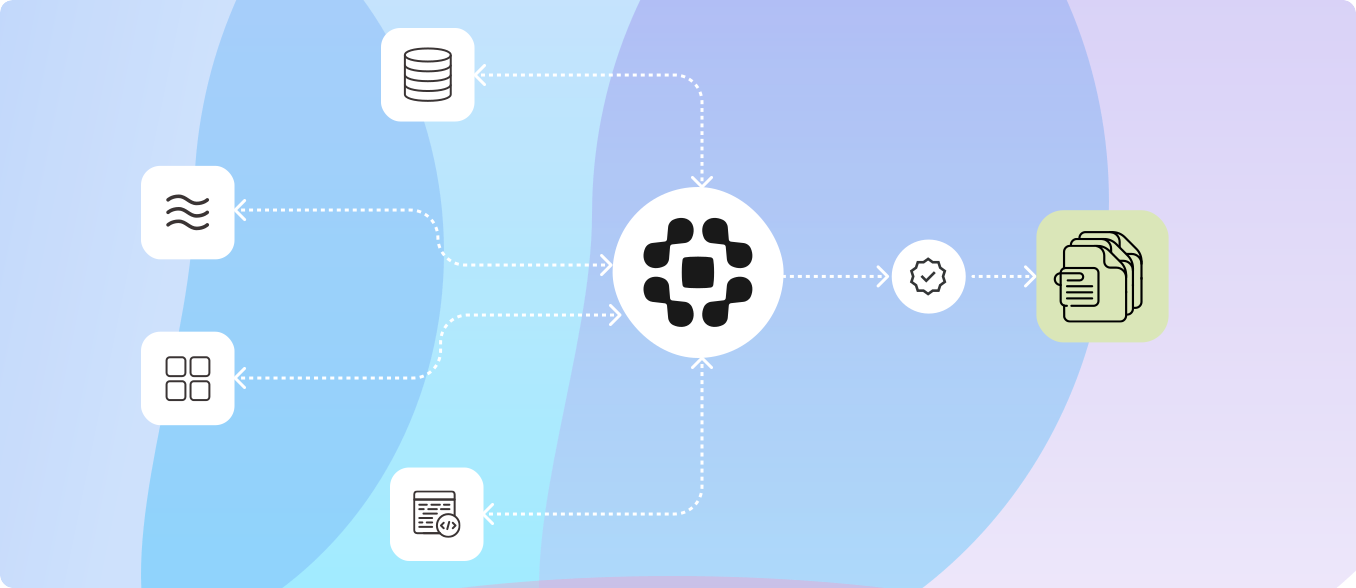
MightyBot connects AI agents to the systems where work actually happens: LOS, CRM, ERP, databases, warehouses, Google Workspace, Slack, and anything with an API. Agents read from systems of record, execute decisions, and write results back through native connectors, REST, GraphQL, and webhooks.
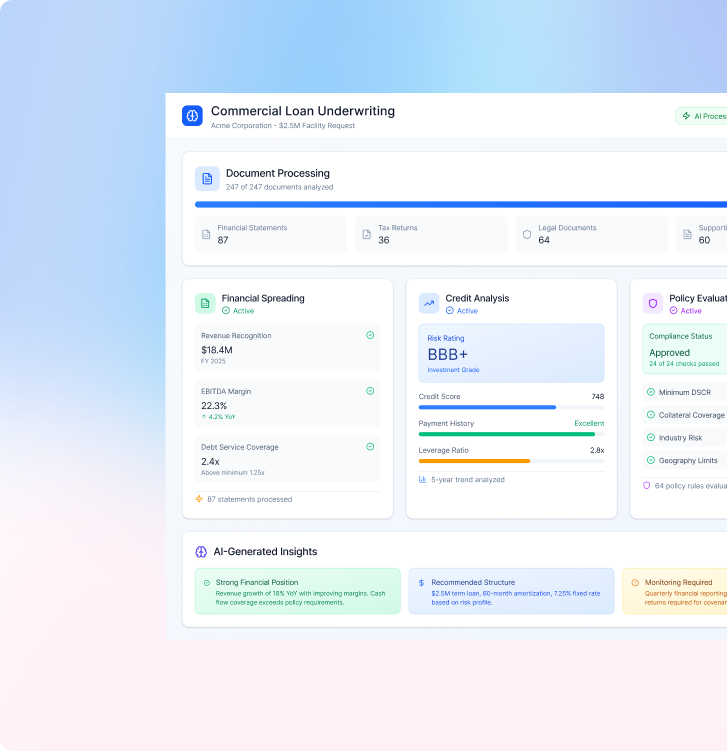
An underwriting decision needs borrower data from Salesforce, documents from the LOS, and policy rules from your compliance system. MightyBot pulls all of it, executes the evaluation, and writes the result back to every system that needs it.
Bidirectional by default. Your LOS stays the system of record. Your CRM stays the relationship hub. MightyBot adds the execution layer that connects them.
Connected context makes agents smarter.
Pre-built, maintained connectors for the platforms your teams use daily.
A system of record holds the authoritative data (the loan file, the policy, the ledger). A system of action is where a decision gets executed (the approval posted, the exception routed, the document filed). AI agents are only useful in production when they can read the first and write to the second, with every write logged.
Each native integration maintained by MightyBot's engineering team. API updates. Authentication changes. Schema migrations. You do not maintain integration code.
For systems without native connectors, standard protocols connect anything.
Any system with a REST or GraphQL interface connects to MightyBot. Define authentication, endpoints, schemas, and error handling. Agents interact with external systems as naturally as native integrations.
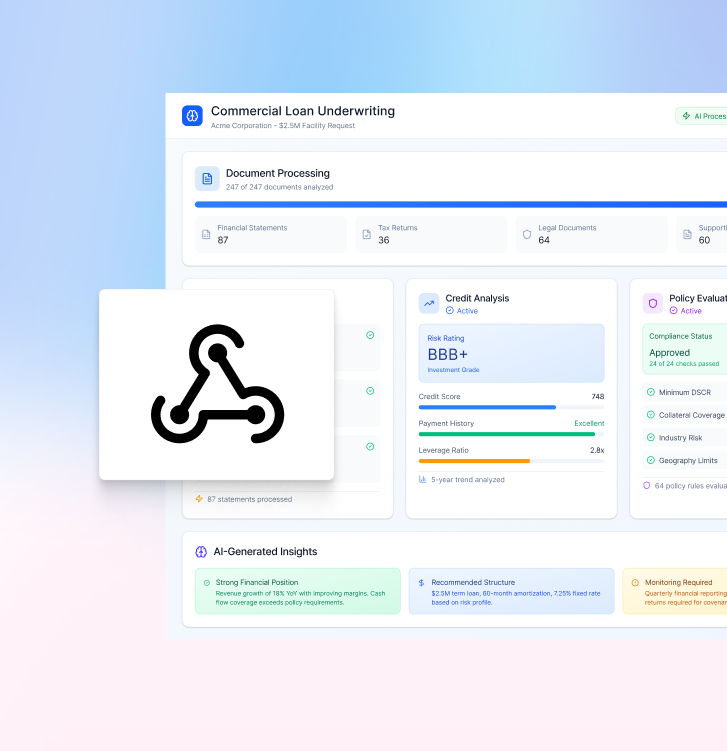
A new loan application fires a webhook. A document upload triggers processing. Inbound webhooks accept JSON payloads and route to the appropriate workflow.
Standard JSON. No proprietary formats. Standard protocols mean standard debugging, monitoring, and security.
The assistants, copilots, and coding agents your teams already run can call MightyBot workflows directly, with every call governed by the same policies and evidence trail.
Encoded once. Governed once. Callable wherever the work happens.
A commercial loan application end-to-end. No one leaves their existing tools.
A commercial loan application is created in your LOS.
A webhook fires. The underwriting workflow starts.
Agents pull borrower data from Salesforce.
Documents are processed by the Data Engine.
The Policy Engine evaluates against underwriting policies.
Results write back to your LOS.
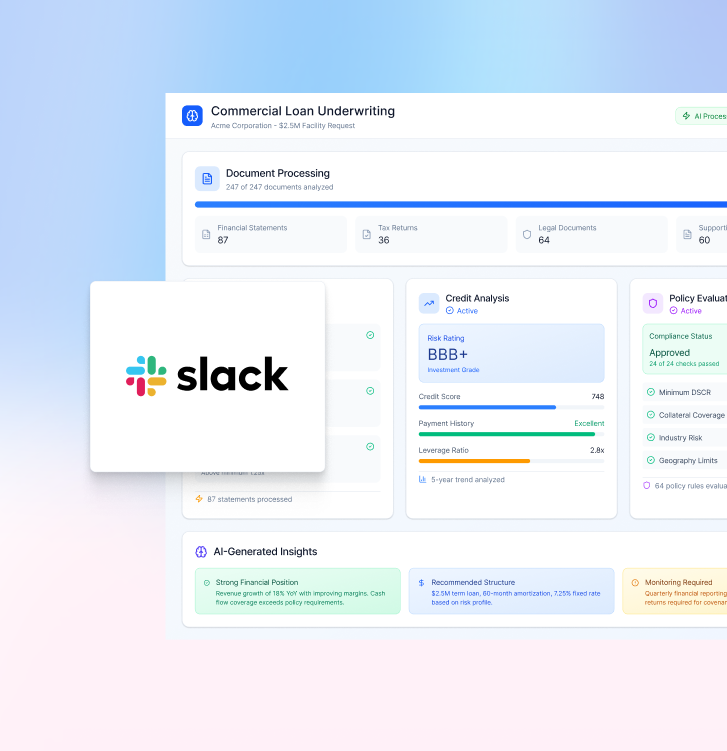
The underwriter gets a Slack notification with a summary and review link.
Explore the stack
Which use case fits you
These are the workflows MightyBot runs in production today, each with a buyer's guide, regulator references and the evidence trail examiners ask for.
FAQ
Yes, through native connectors, REST, GraphQL, and webhooks. Every write-back is policy-gated and logged with the decision that produced it, so the system of record stays authoritative and auditable.
The system where an agent's decision takes effect: a loan origination system that receives the underwriting result, a CRM that gets the follow-up, a ticketing system that opens the exception. MightyBot treats write-back to systems of action as part of the workflow, not an afterthought.
Any system with a REST API, GraphQL endpoint, webhook support, or native connector. MightyBot connects to LOS, CRM, ERP, databases, warehouses, file storage, communication tools, and proprietary systems.
Yes. Agents pull borrower and opportunity data. Decision results and status updates push back to relevant records. Bidirectional by default.
OAuth2 for enterprise integrations. JWT for service-to-service. API keys for multi-tenant access. Credentials encrypted at rest and in transit.
Configurable retry policies and fallback behavior. Workflows pause and resume when connectivity restores. Full state maintained. No lost work.
No custom code for native connectors or standard REST/GraphQL APIs. Configuration through MightyBot's interface - endpoint, authentication, data mapping, error handling.
Yes. MCP Launchpad exposes approved workflows as agent-callable MCP tools. The tool description is generated from the workflow itself (schemas, rules, and real examples), and every call runs through the same policies and evidence trail as the workflow underneath.
Yes. Inbound webhooks accept JSON payloads from any HTTP-capable system. Applications, uploads, status changes - all valid triggers.
Last updated: October 4, 2026